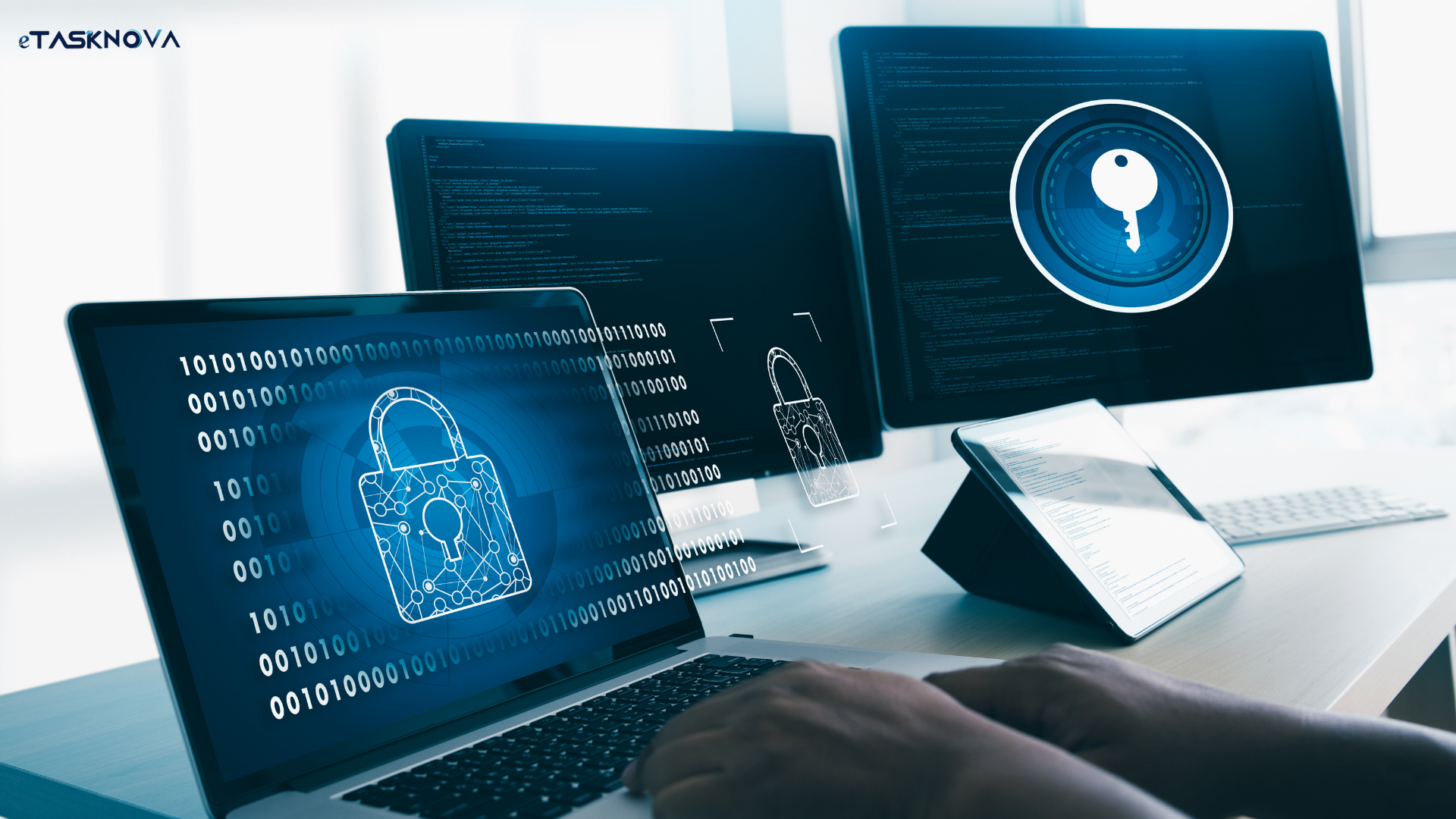

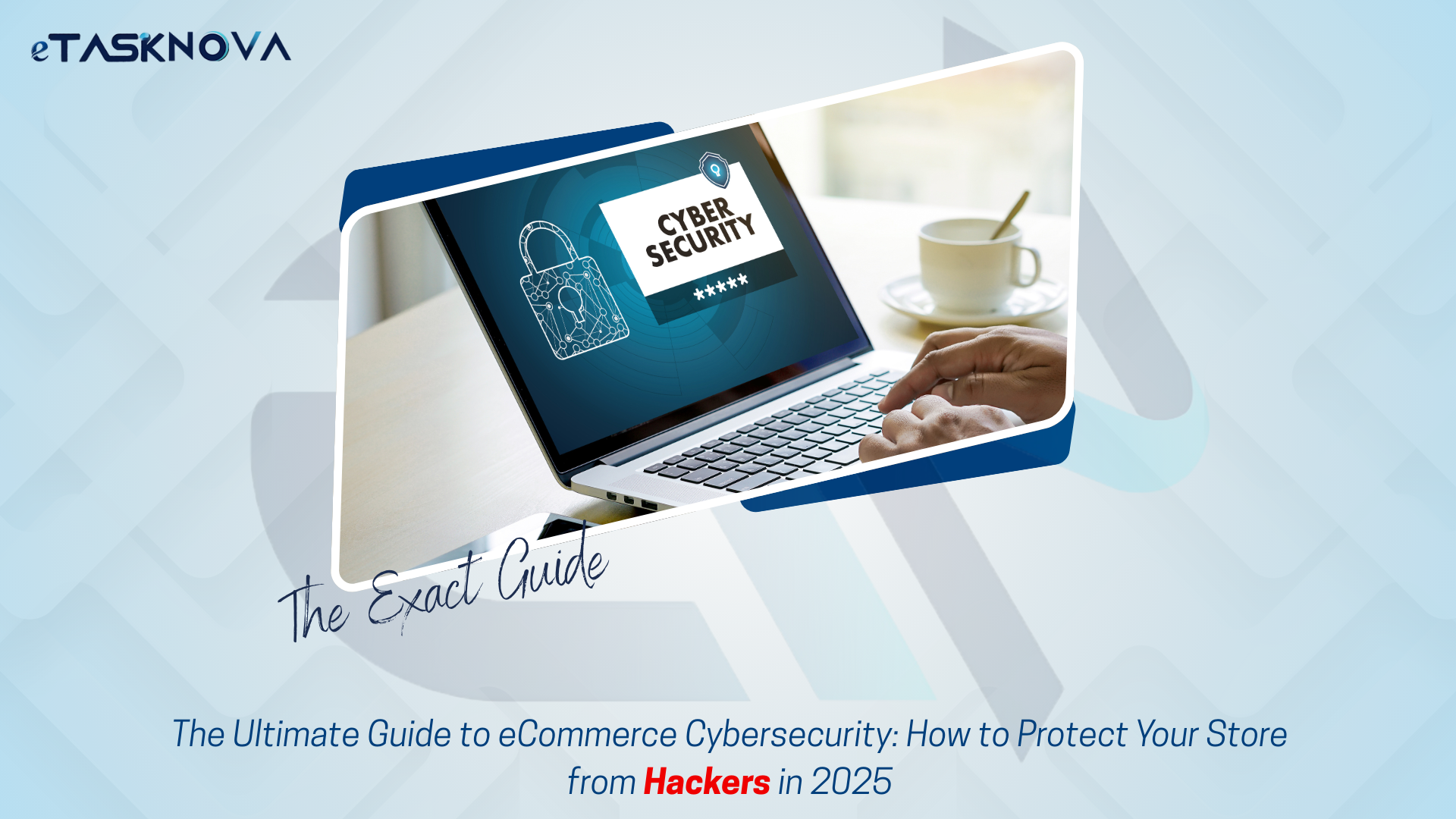
Cybersecurity 101: How to Protect Your eCommerce Store from Cyber Attacks
Running an eCommerce store is exciting but it also comes with hidden risks. Think of it like operating a jewelry shop in a busy market: the customers are real, the sales are rewarding, but thieves are always watching.
In the online world, those “thieves” are cybercriminals. And instead of lockpicks and crowbars, they use malware, bots, and phishing schemes to steal customer data, drain resources, or even shut down your store.
The good news? With the right security practices, you can stop most threats before they cause damage. This guide walks you through the most common eCommerce cyberattacks and the exact steps you can take to keep your store safe.
Why Cybersecurity Matters for eCommerce
Many small and mid-sized eCommerce businesses make the mistake of thinking:
“Hackers only target big brands like Amazon or Nike.”
In reality, the opposite is often true. Cybercriminals know smaller stores typically have weaker defenses, making them easier targets. A single successful attack can:
- Damage your reputation: Customers won’t trust a store that leaks their credit card details.
- Cause financial losses: Chargebacks, refunds, and downtime all cut directly into profits.
- Lead to legal trouble: With GDPR, CCPA, and other privacy regulations, data breaches can result in hefty fines.
Bottom line: Cybersecurity isn’t just an IT problem, it’s a business survival issue.
The Sneaky Cyber Threats Facing eCommerce Stores
Let’s break down the most common attacks that online stores face today.
1. E-Skimming (Digital Skimming)
Hackers inject malicious code into checkout pages to capture customer card details. Everything looks normal to the shopper, but behind the scenes, their data is being stolen. Real-world impact: In 2023, several global retailers suffered massive e-skimming attacks, costing millions and damaging customer trust.
2. Financial Fraud
Fraud doesn’t always look like hacking sometimes, it comes disguised as legitimate transactions.
- Chargeback Fraud: A buyer disputes a genuine purchase to get their money back while keeping the product.
Refund Fraud: Fraudsters exploit return policies to claim refunds they don’t deserve.
➡️ In 2024, refund fraud alone drained an estimated $103 billion from online businesses.
3. Malware
Malicious software can infiltrate your systems in several forms:
- Ransomware: Locks you out of your store until a ransom is paid.
- Adware: Forces unwanted ads on your site, ruining user experience.
Fileless Malware: Runs in memory, making it harder for traditional antivirus tools to detect.
4. Phishing Scams
Attackers pretend to be your company (or even a trusted partner) and trick customers or employees into giving away sensitive details. With the rise of AI-generated deepfake emails and videos, these scams are becoming harder to spot.
5. Malicious Bots
Some bots are helpful (like Google’s crawlers). Others are destructive:
- Price Scraping: Competitors steal your pricing to undercut you.
- Inventory Hoarding: Bots fill carts with products but never checkout, blocking real buyers.
Credential Stuffing: Bots test stolen username/password combos to hijack accounts.
6. Account Takeover Fraud (ATO)
Hackers gain control of a customer’s account often through stolen credentials and place unauthorized orders.
7. Insider & Supply Chain Threats
Sometimes, the problem comes from employees, contractors, or insecure third-party plugins. A weak link in your supply chain can give attackers a backdoor into your store.
8. Technical Exploits
- Cross-Site Scripting (XSS): Injects harmful code into pages viewed by other users.
- DDoS Attacks: Overload your server with traffic until your site crashes often during big sales events.
- Man-in-the-Middle (MitM): Hackers intercept communication between customers and your store, stealing payment info in real-time.

How to Secure Your eCommerce Store
Knowing the risks is only half the battle. Here are practical steps you can take to shield your store from attacks:
1. Choose a Trustworthy Hosting Provider
Your hosting provider is the foundation of your security. Look for:
- Firewalls & malware protection
- Automatic backups
- Free SSL certificates
➡️ Providers like Cloudways, AWS, and SiteGround are known for their strong infrastructure.
2. Use a Secure eCommerce Platform
Whether Shopify, WooCommerce, or Magento always keep your platform updated. Outdated plugins and themes are like open doors for hackers.
3. Implement HTTPS Everywhere
If your site is still on HTTP, you’re not just behind you’re at risk. HTTPS encrypts customer data and also boosts SEO rankings.
4. Lock Down Your Admin Panel
- Avoid default login URLs like “/admin.”
- Use strong, unique passwords (no “12345”).
Enable two-factor authentication (2FA).
5. Monitor Transactions & Logins
Tools like SEON or Stripe Radar analyze behavior in real-time and flag suspicious activity before fraud happens.
6. Partner with Secure Payment Gateways
Never store card details yourself. Use PCI-compliant gateways like Stripe, PayPal, or Authorize.Net.
7. Install Firewalls & Security Plugins
- WAFs (Web Application Firewalls) block malicious traffic.
Plugins like Word fence or Sucuri handle malware scanning and patch vulnerabilities automatically.
8. Back Up Data Regularly
Cloud backups ensure you can restore your store quickly in case of an attack. Services like Acronis, Backblaze, or Jetpack Backup automate this process.
9. Educate Employees & Customers
Even the best software can’t stop human error. Teach your team how to spot phishing emails, and remind customers to use strong passwords.
Must-Have Security Tools for eCommerce
Here are some of the most effective tools to add to your defense stack:
- WAF: Cloudflare WAF, Sucuri WAF
- SSL Certificates: Let’s Encrypt, DigiCert
- 2FA: Google Authenticator, Authy, Duo Security
- Anti-Malware: MalCare, Norton, SiteLock
- DDoS Protection: AWS Shield, Cloudflare
- Backups: Acronis, Backblaze, Jetpack Backup
Fraud Detection: SEON, Signifyd, Stripe Radar
Cybersecurity FAQs for eCommerce
Q: What should I do if my store gets hacked?
Disable access immediately, contact your hosting provider, restore from a clean backup, and use tools like MalCare to scan for malware.
Q: How can I prevent account takeovers?
Enforce strong password policies, enable MFA, and monitor unusual login activity.
Q: Is PCI compliance mandatory?
Yes, if you process payments online, PCI DSS compliance is required to protect cardholder data.
Q: How do I know if my site is under attack?
Look out for sudden traffic spikes, unusual admin logins, or missing product listings. Security monitoring tools can alert you instantly.
Final Thoughts
Cybersecurity isn’t just about protecting data, it’s about protecting your customers’ trust. A single breach can undo years of hard work, but with the right tools, policies, and awareness, you can minimize risks and stay one step ahead of cybercriminals. At the end of the day, a secure store isn’t just good for business, it’s essential for survival.